
Greetings in Thai Phrase Selector
Choose a situation, result count, and display mode to see matching greetings from the Thai Phrasebook corpus.
Vetted phrasebook entries
iPhone & iPad · Free to start
Track it in Thai Phrasebook.
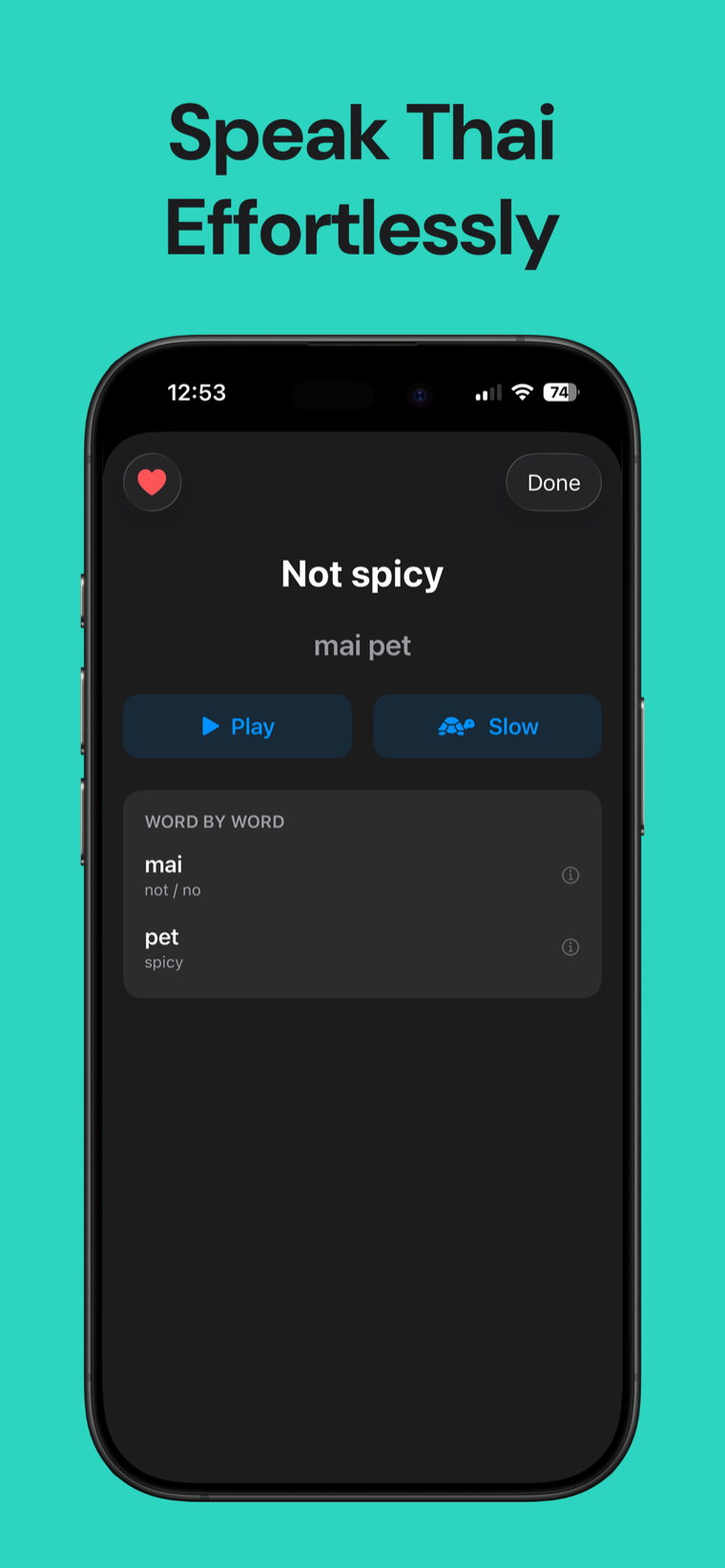
Thai Phrasebook adds native audio, word-by-word cards, and hundreds of useful travel phrases offline.

How the Thai greeting selector works
Choose the kind of interaction, how many options you want, and whether Thai script or romanization should appear first. The selector returns matching entries from a fixed subset of the app's reviewed phrase corpus.
The Thai text, romanization, and English gloss are stored together and displayed verbatim. No translation engine, dictionary, transliteration service, or generated language is involved.
Romanization systems vary and cannot capture every feature of spoken Thai. The spelling here stays consistent with the app; use its native recordings when you want to hear each phrase.
This selector does not add speaker particles or rewrite phrases. It only displays complete entries present in the reviewed corpus.
Thailand Foundation: common Thai greetings and phrases ↗Omniglot: useful Thai greetings and romanization systems ↗
Greetings in Thai FAQ
What is the general greeting in Thai?
The reviewed corpus entry for Hello is สวัสดี, shown as sa-wat-dee in the app's romanization.
Does this selector create new Thai phrases?
No. Every result is a complete entry copied from the canonical Thai Phrasebook corpus.
Why doesn't it add male or female particles?
The selector never constructs phrases. It shows only complete reviewed entries already present in the corpus.
Is the romanization a translation?
No. It is the app's reading aid for the matching Thai entry; the English gloss is shown separately.
Can I hear the greetings?
Audio is not included in this browser tool. The native Thai Phrasebook app contains the corresponding recorded audio.